Noctil
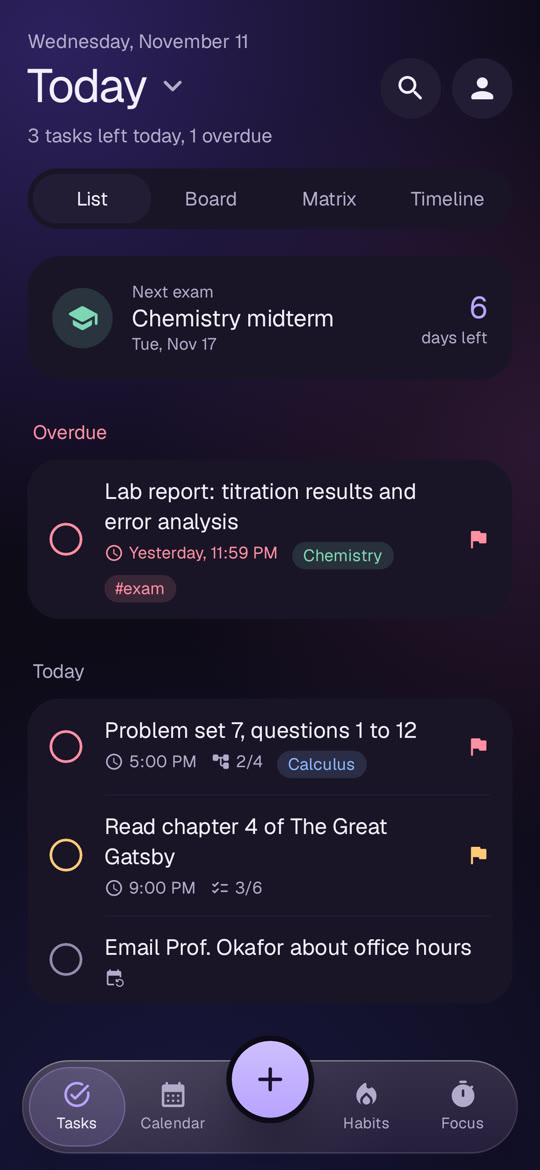
A free task planner and calendar for students on Android. It works offline and can sync across devices.
- Type
- Android app
- Role
- Design and build, solo
- Status
- Public release
Built with Kotlin, Jetpack Compose, Room, Firebase, GitHub Actions
Context
A personal project that I designed and built on my own. I wrote the plan first as a phased roadmap, then shipped each phase as a working release. The first version took three days in November 2026, and I release updates every week.
The problem
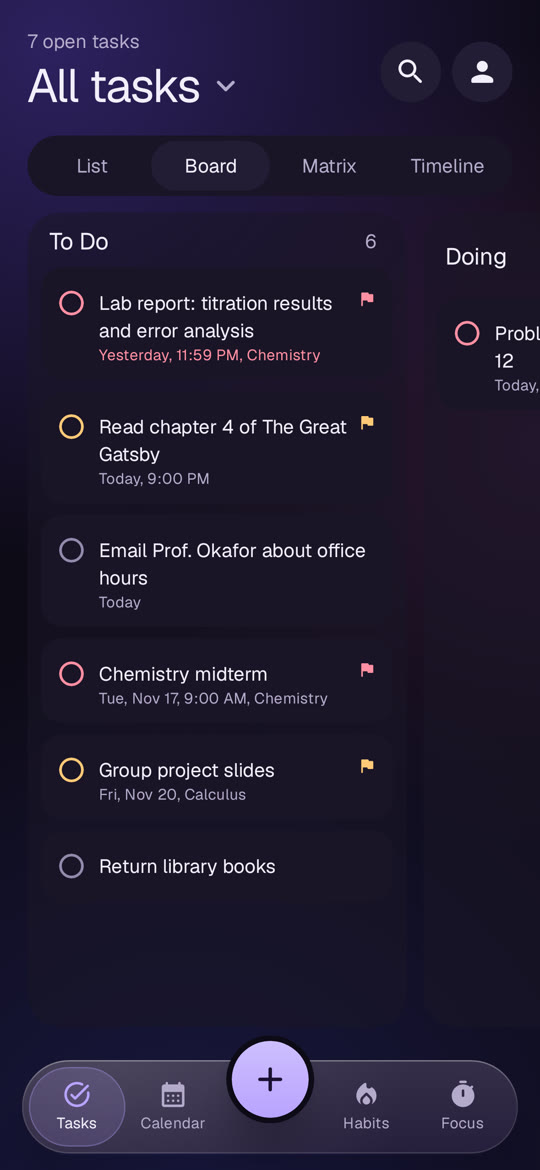
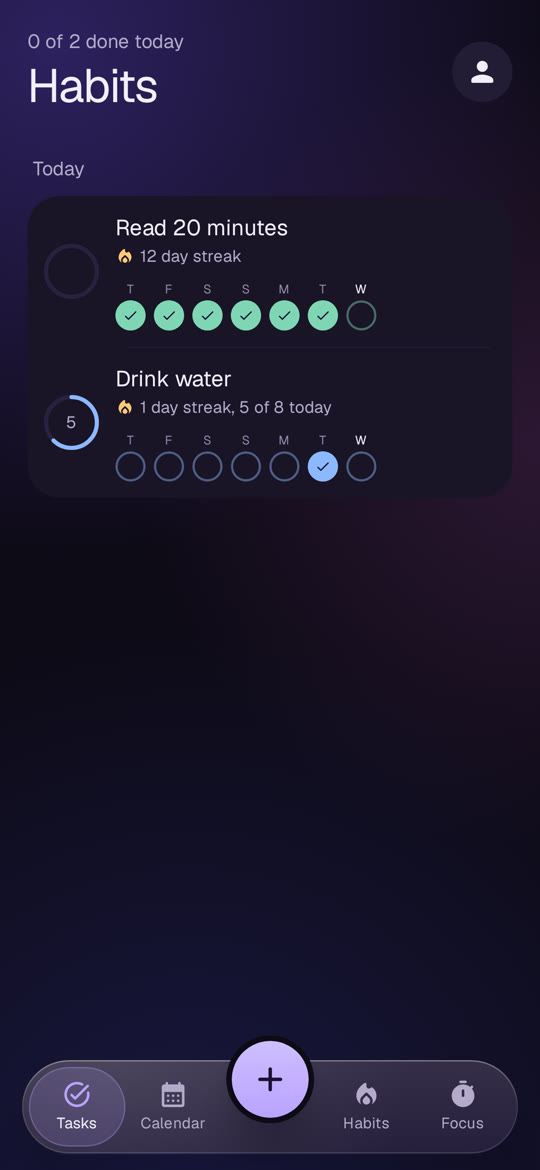
Students keep classes, deadlines and exams in separate apps. Noctil puts tasks, a class timetable, the phone calendars, habits and a focus timer in one place, and keeps working with no internet.
Key decisions
- Offline first. Everything is saved to a local Room database on the phone, so the app and its widgets work with no account and no connection. Cloud sync is optional.
- Firebase Auth and Firestore for sync. I chose them over Supabase because free Supabase projects pause after a week without use.
- A hand-written parser for quick add. Typing "chem lab friday next week 3-5pm !1 #lab" sets the date, time, priority and tag. Writing the parser by hand keeps it free and working offline, where a cloud AI call would cost money on every request.
- The phone's built-in calendar system for two-way calendar sync, instead of calling Google's API directly. That avoids an OAuth review and also covers Samsung and Outlook calendars.
The hard part
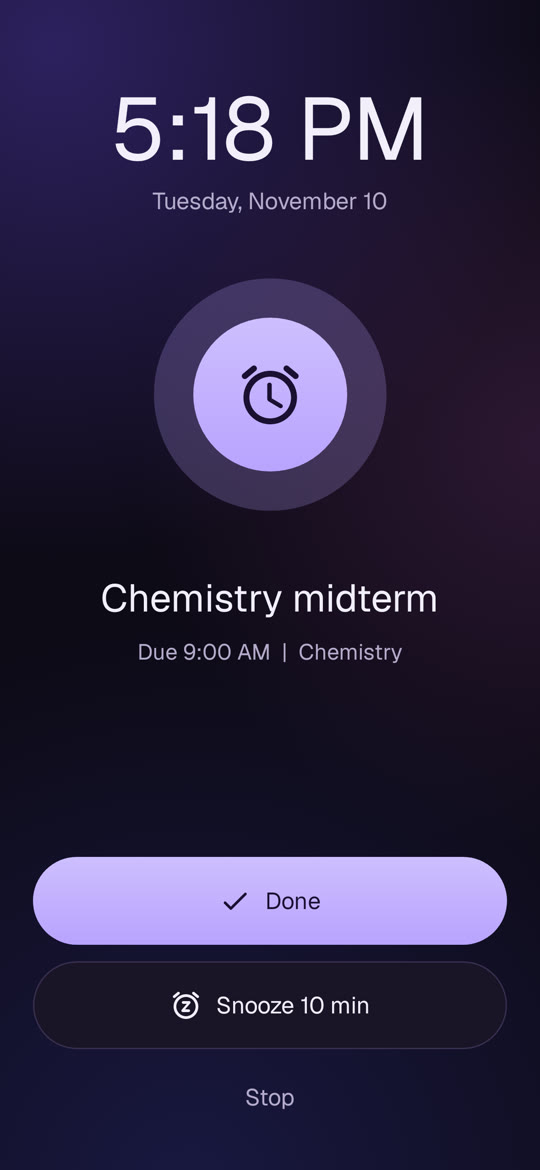
Lockscreen widgets. Most Android phones dropped them years ago, so a true lockscreen widget was not an option. The answer was a silent pinned notification that shows today's tasks on the lockscreen, plus a live countdown for the focus timer.
Result
- Installable today. Every push to the main branch builds, signs and publishes the APK through GitHub Actions.
- Automated tests cover the quick-add parser, repeat rules, calendar sync, habits and backup, plus screenshot tests at normal and double text size.
- Runs on Android 8.0 and newer.
What comes next
Shared lists for group projects, then voice input.